Spark Text Analysis Web Application
Summary
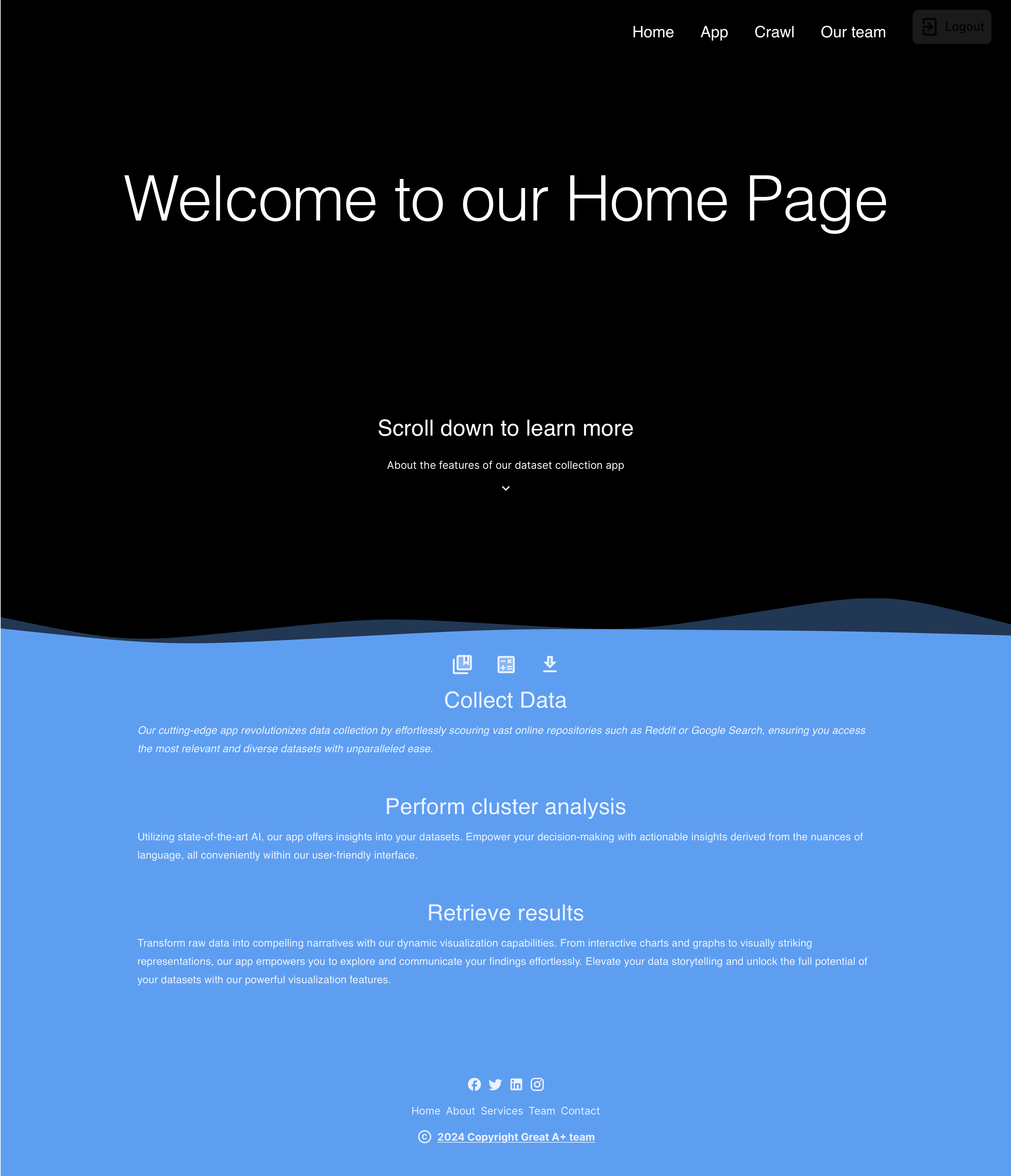
This project is built for dataset collection, data crawling, and data analysis for text data. Our group has developed a web application that aims to provide a comprehensive solution for dataset collection. Through the web application, users have the flexibility to upload their own raw data, which typically comes in the form of a text file. Alternatively, they can utilize the built-in functionality to crawl data from popular sources such as Reddit or Google using a customized search query. This versatile platform facilitates efficient and seamless collection of text data from various sources, empowering users with rich datasets for subsequent analysis.
It is used to fulfill the COMP4651 (Cloud Computing and Big Data Systems).
Tech Stack
PostgreSQL
Apache Spark
Docker
Node.js
Python
Description
Front end: React.js, Vite.js, Tailwind CSS
Back end: Node.js, Express.js
Database: PostgreSQL
Data Analysis: Python, PySpark
Containerization: Docker
As the project is containerized in Docker, it is easy to deploy and run the project in any environment. Just need to install Docker and run docker-compose up --build in the project directory. Then you can access the web application in your browser at localhost:3000.
Furthermore, if you want to run the project in the cloud, you can use the docker-compose.yml file to deploy the project in the cloud and change the VITE_BACKEND_SERVER_URL variable in front-end/.env file to the public IP address of the cloud server. Then you can access the web application in your browser at publicIP:3000.
Additionally, as our deliverable is in the form of Docker images, which will harness the capabilities of cloud computing when deployed to Kubernetes. Leveraging Kubernetes allows for automated scaling and management, enhancing the efficiency and resilience of our application.

Users can register and login to the web application using the top right button. The user information will be stored in the database and the user can use the registered email and password to login to the web application.
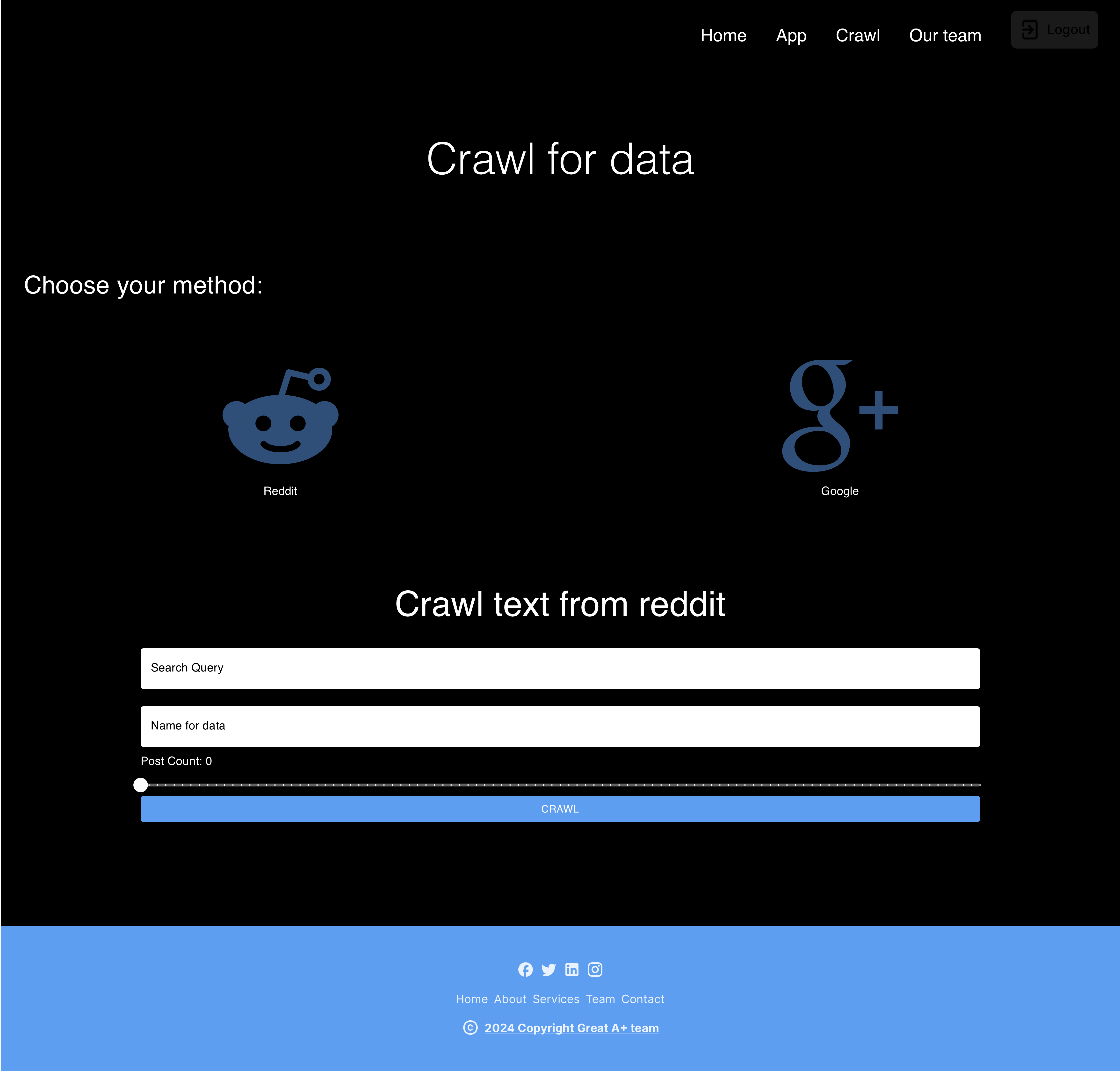
After registering and logging in, users can crawl data from the web in Google Search or Reddit by inputting the keyword and the number of data to crawl. The crawled data will be stored in the database and shown in the App tab page.
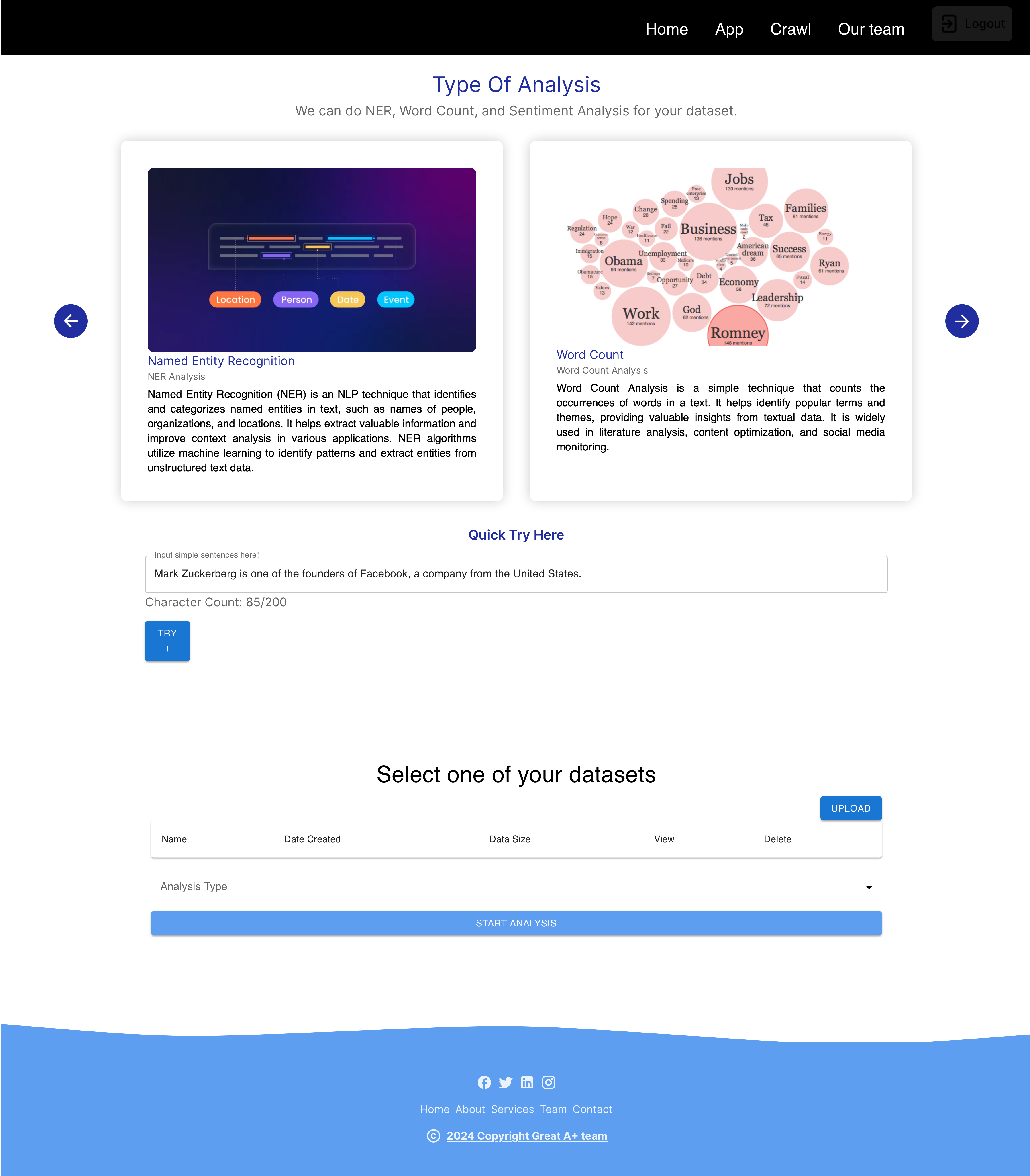
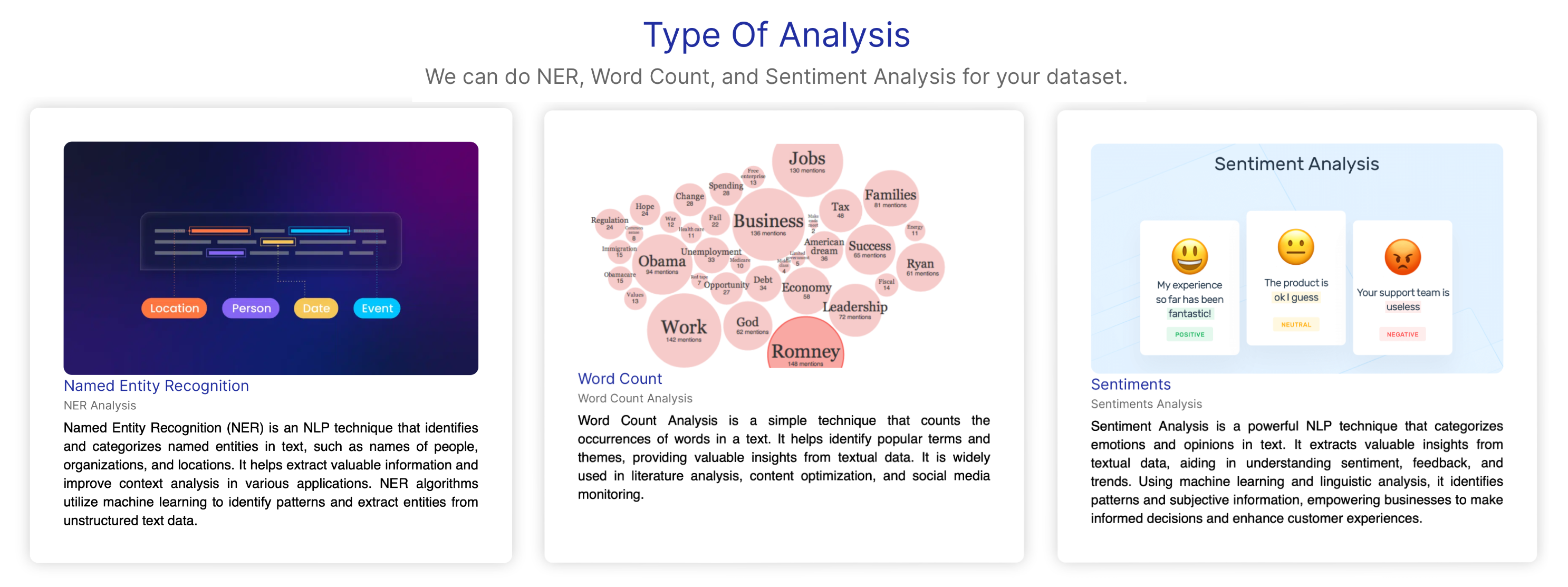
In the App tab page, users can view the crawled data or upload their own data. After they have the desired data, they can perform one of the above three analyses on the data for now. The analysis includes:
1) Word Frequency Count using Spark RDD: Helpful for various purposes such as identifying key themes, topics, or trends within the data.
2) Sentiment Analysis using Spark DataFrame: Valuable for understanding public opinion, customer feedback, or social media sentiment, among other applications. Result will be the distribution of sentiment in the data.
3) Named-Entity Recognition (NER) using Spark DataFrame: Facilitating tasks such as identifying important entities in this batch of data or extracting recent trend entities. Result will be the entities in different categories such as person, location, organization, etc., and the frequency of each entity.
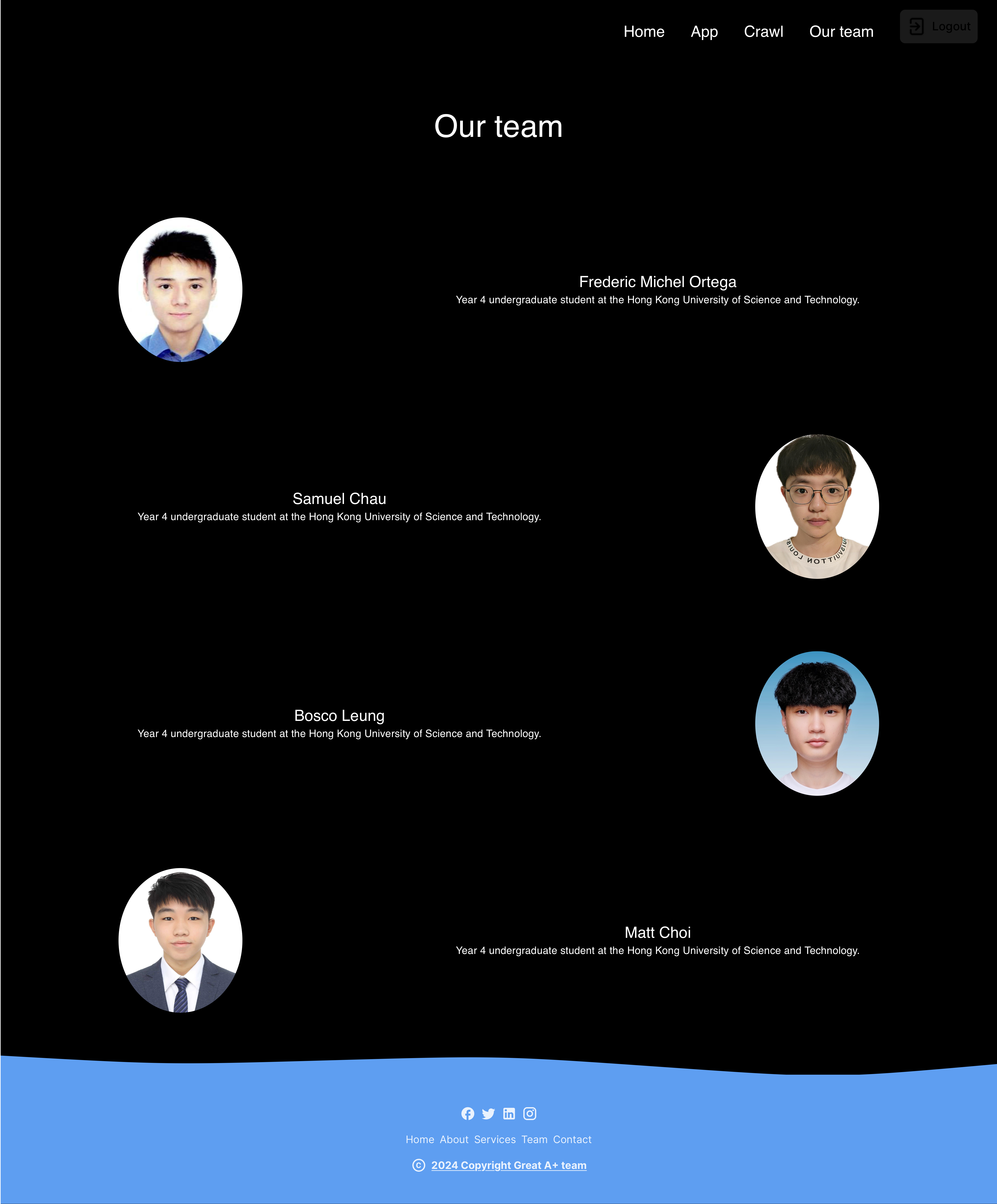
Btw, this is my talented teammates :D
Loading document…